openSUSE-skrivebordsdistrubusjoner
De to distribusjonene som hersker dem alle (nå i grønt!)
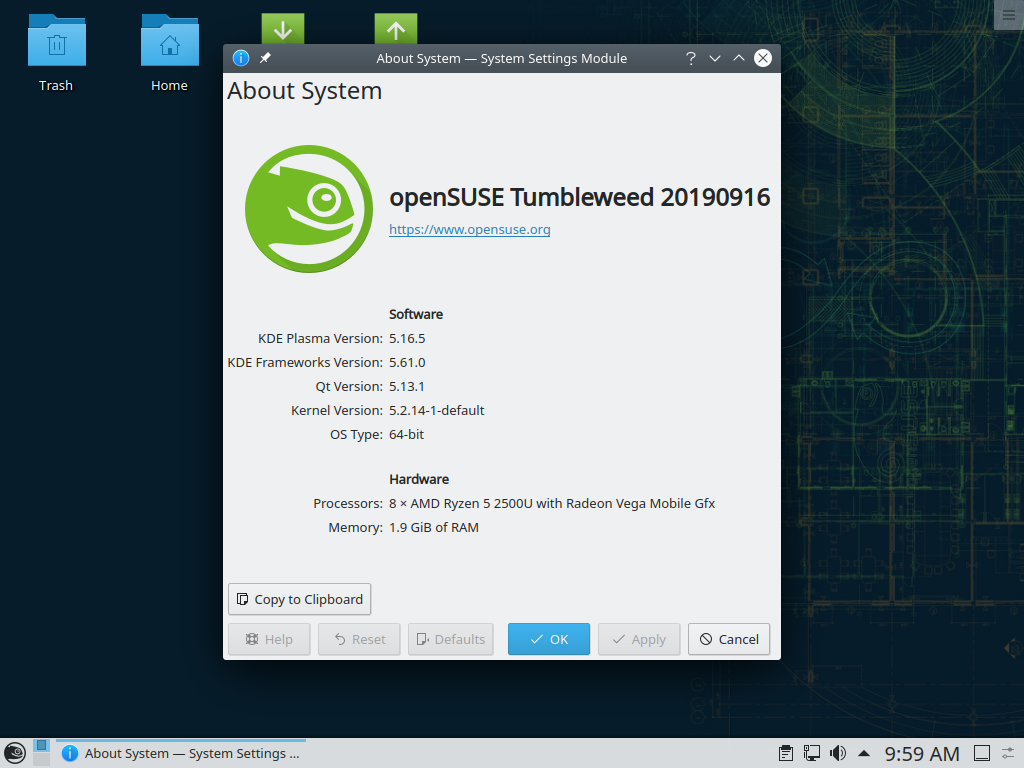
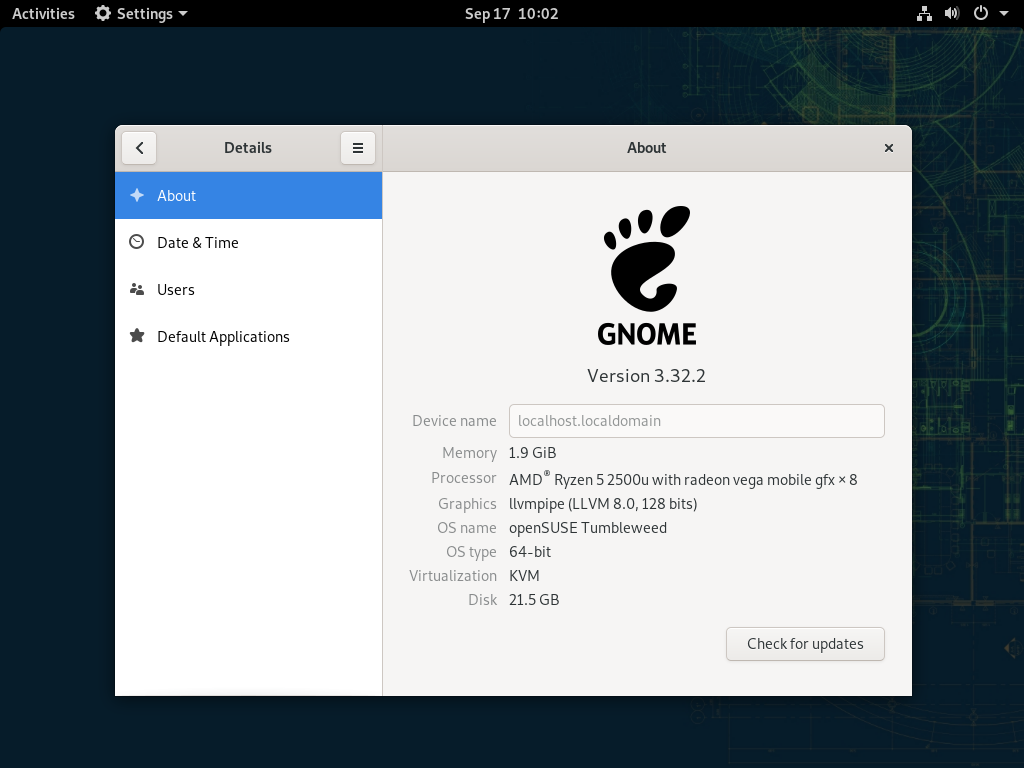
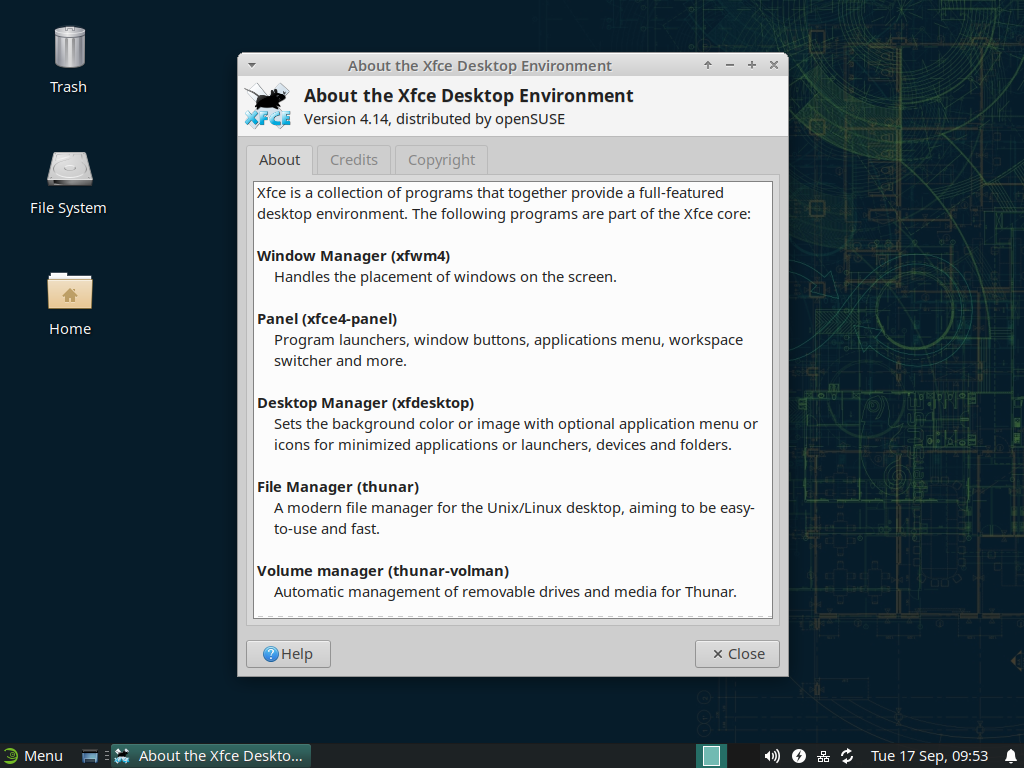
Mange skrivebord, tre som standard
The openSUSE contribution process empowers desktop development for everybody, so you have the choice to pick your favourite one in the installer. We actively feature three desktop environments, and offer even more in the expanded software view within the installer.

Å få tak i programvare kunne ikke blitt enklere
Mellom oss, å måtte gå gjennom flere nettsider for å skaffe alle de programmene du trenger er mye arbeid. Programvaresentret på nett gjør dette mye enklere, siden den inneholder programvare fra flere kilder på en plass.
Alt kan gjennomskues
From start to finish, every package which goes into the distributions has all of its sources and build scripts openly visible for everyone to see. Doubtful of a source? Just check it out on the build service.
Fri programvare? Ditt valg
Packages in the distributions are divided into free and non-free repositories. Don't want to use non-free packages? You can easily disable the non-free repository. It's your choice, not ours.
Bidrag er velkomne
We try our best to please the community, and we can only make this happen when the community is vocal about what they need. That's why we ensure contributing is as easy as possible.

YaST, det beste valget for ekspertbrukeren
One of the greatest system configuration tools helps you, the user, to setup every single aspect of your system. You no longer need to go through a plethora of configuration scripts or enter dubious commands to get the system setup as you need it.









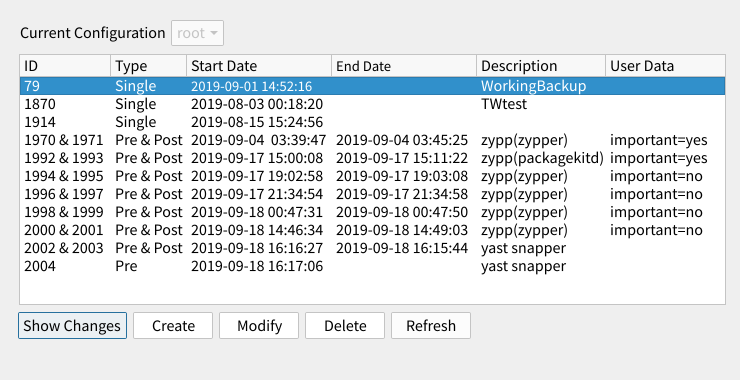
Gikk systemet korrupt? Ikke et problem nå lenger
The Filesystem Snapshots feature keeps your filesystem in check by having continuous backups performed automatically when installing software and updates. Just boot from an earlier snapshot and bring your system to a working state in the matter of minutes.